A phone screen is personal; a television is shared, comfortable, and simply better for live sport and films. There are two main routes to watch Aya TV TV app content on the big screen — installing directly on an Android TV or box, or sending the picture from your phone — and this guide covers both, plus the connection habits that keep playback stable.
Choose by household: a dedicated install suits the television everyone shares; casting suits personal viewing on any screen, including one that is not yours.
Option One: Install on Android TV or a TV Box
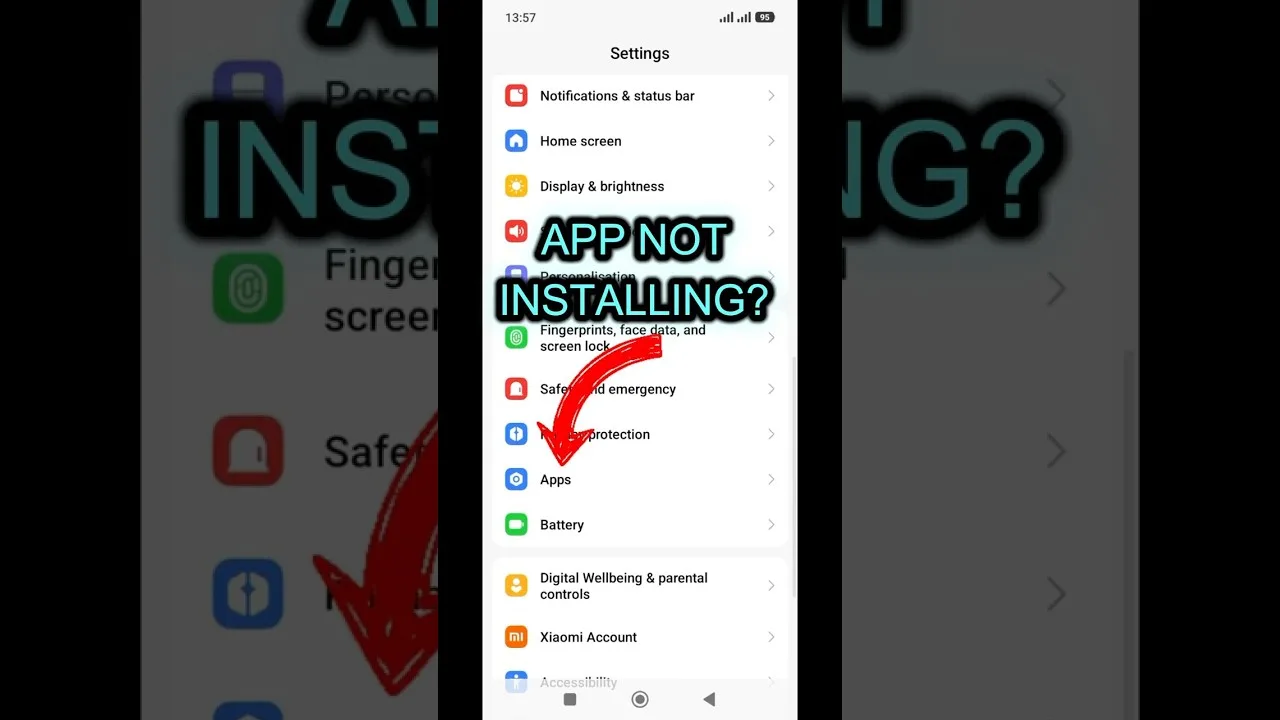
On an Android television or box, install the app as you would on a phone and drive it with the remote. Playback no longer depends on your phone's battery or proximity, and the interface and categories are the same ones you already know.
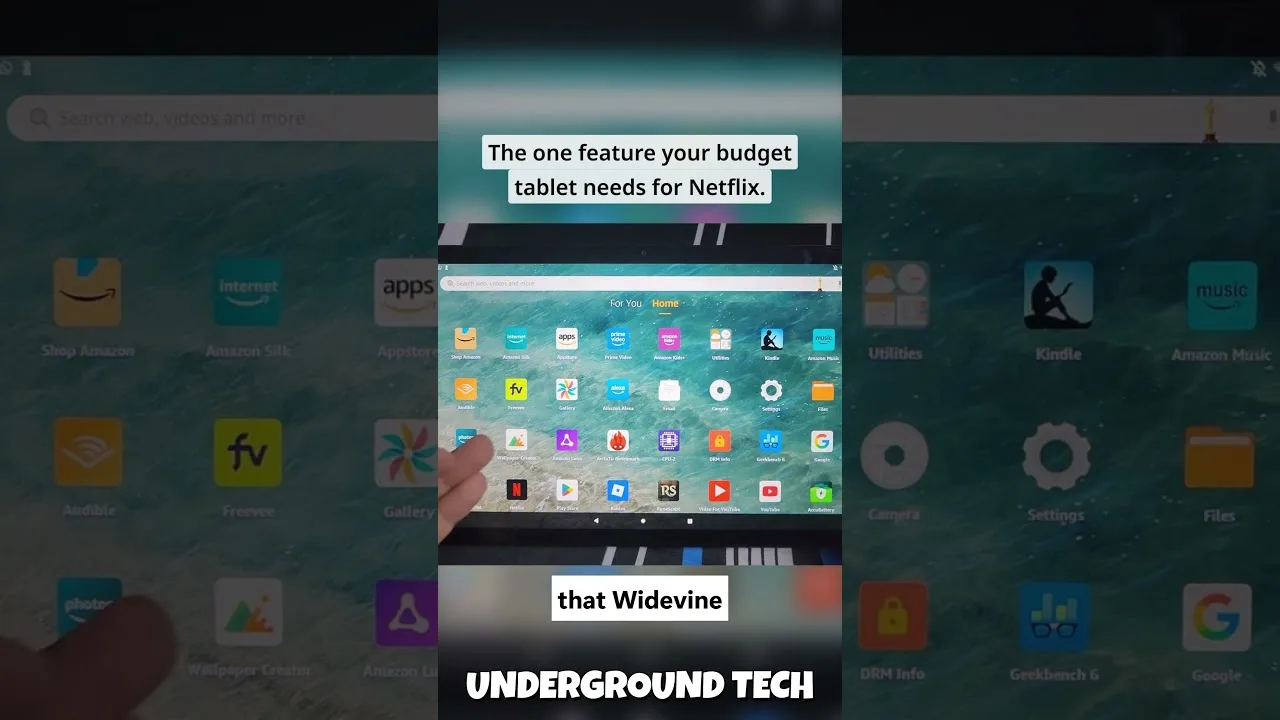
Television storage is often small, so keep the box tidy: install what the household watches, remove what it does not, and the box stays responsive. Device specifics live in our compatibility guide.
Option Two: Cast or Mirror From Your Phone
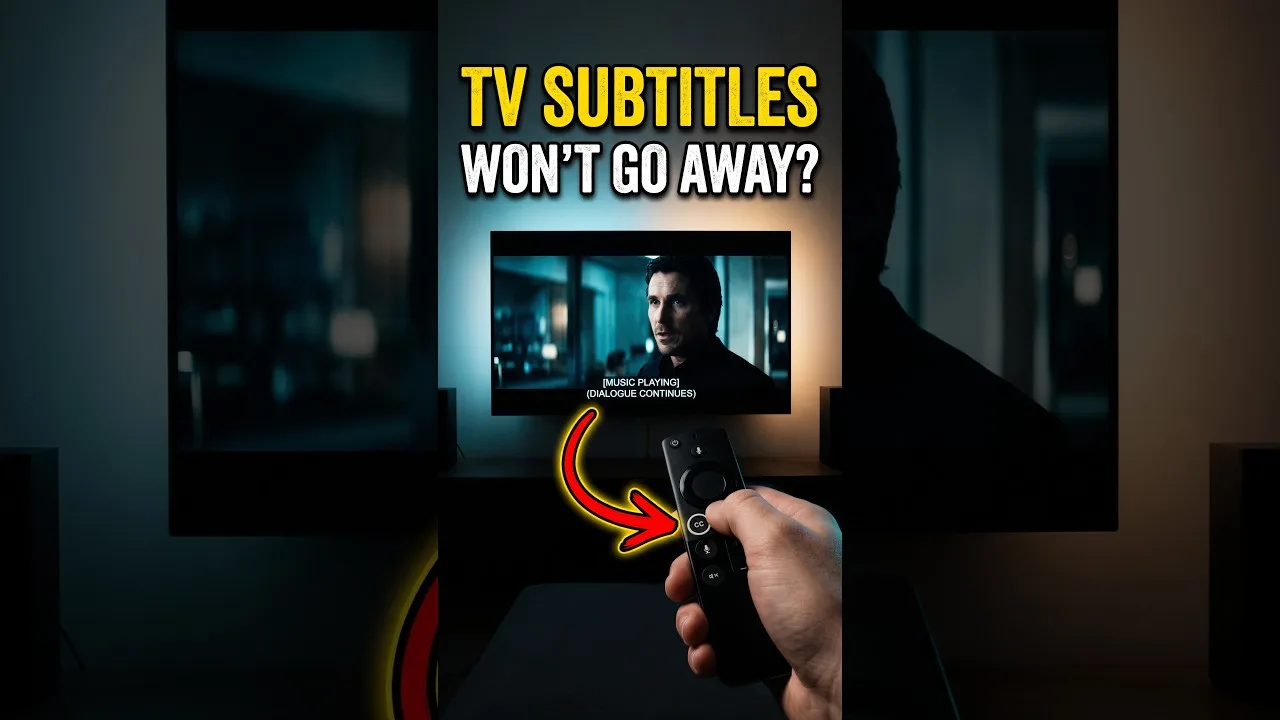
Where casting is available, start playback on the phone and send it to the TV; the phone becomes the remote while the television handles the picture. Phone and TV must share the same Wi-Fi network — the requirement behind nearly every casting failure ever reported.
Plain screen mirroring is the universal fallback: it copies your whole display, notifications included, so enable Do Not Disturb before the opening whistle. Quality sits a step below a direct install, but it works on almost any smart TV.
Connection Tips for the Big Screen
Router position rules the living room. A router shut in a cabinet or on the floor behind the TV unit loses surprising signal strength; raising it onto a shelf in the open often improves television streaming more than a faster internet package would.
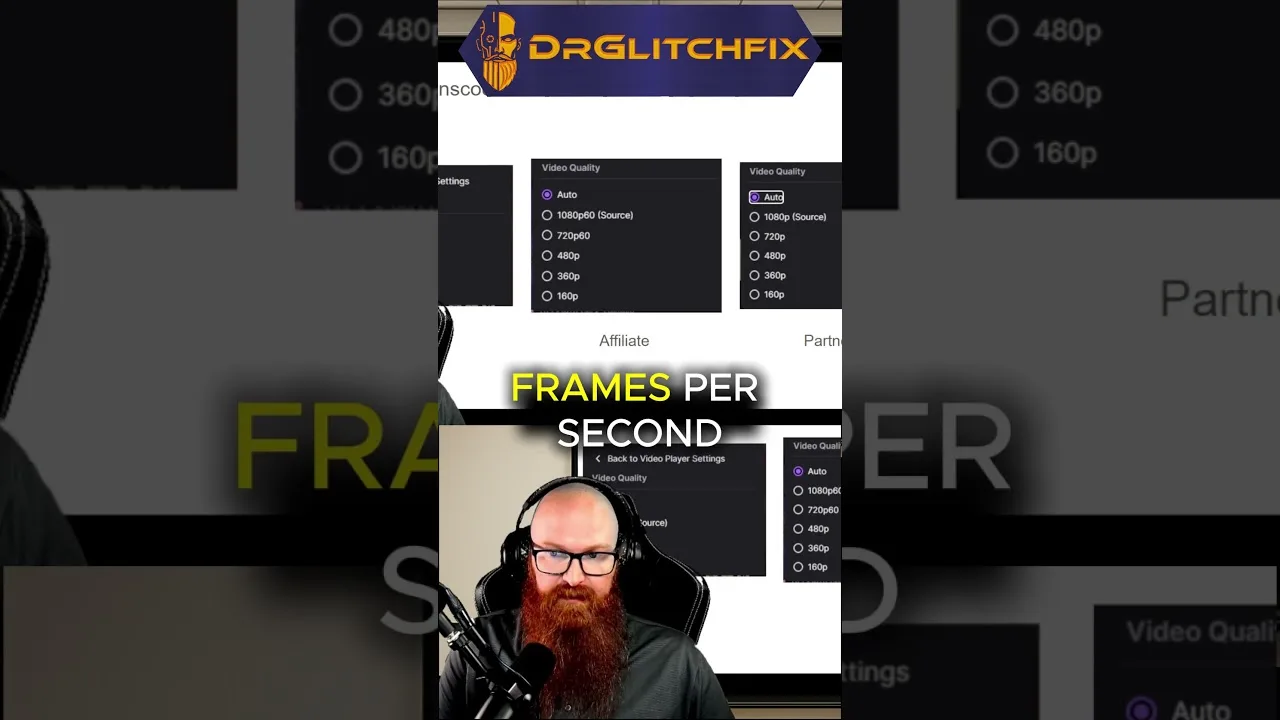
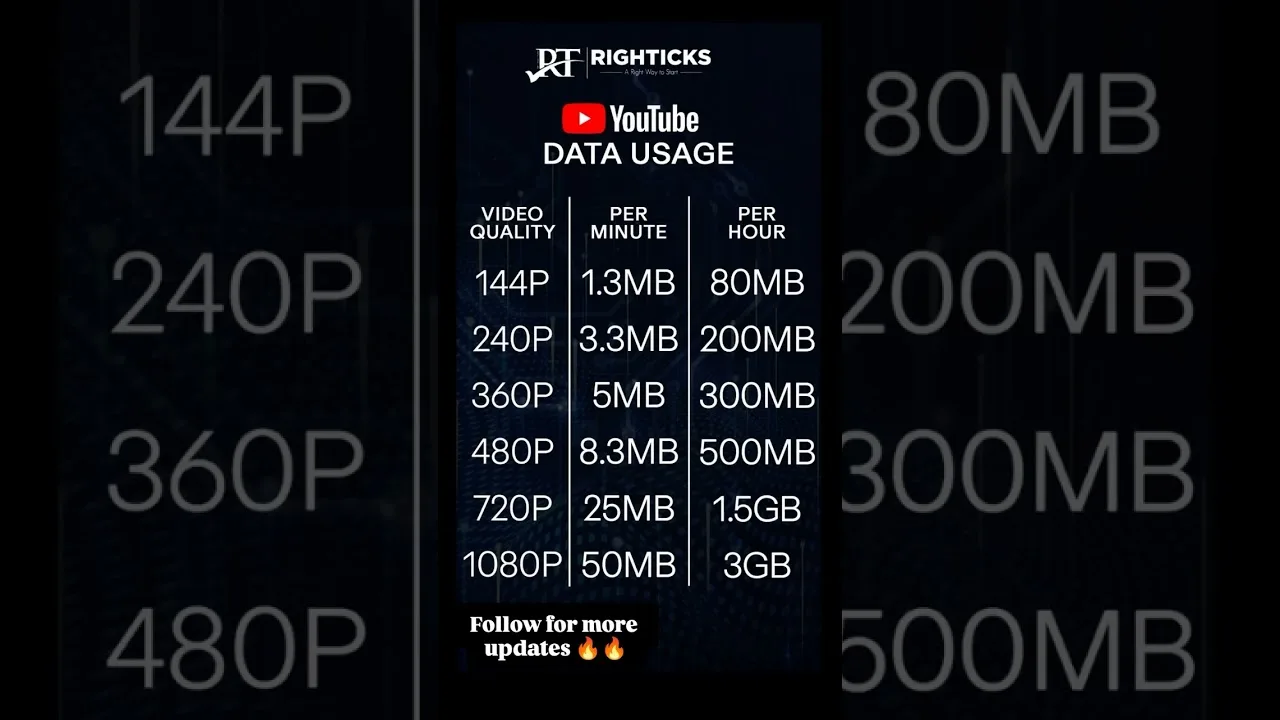
For the steadiest picture on a marginal connection, lower stream quality one level: a television reveals stalling far more cruelly than softness, and a slightly softer picture that never freezes beats a sharp one that stops at the decisive moment. The full routine is our buffering fixes.
Making It Comfortable
Agree the practicalities in advance: who holds the remote or phone, which categories are favourited for shared viewing, and how volume is handled. Build the shared favourites row during a quiet moment, not at kickoff.
An overlooked advantage of the phone-based route is portability: your favourites travel with the phone, so the same personal setup appears on any television you connect to — at home, at a friend's house, or in a holiday rental.
Final Thoughts
Direct install for the household TV, casting for everywhere else, a router that can breathe, and quality matched to the connection — the whole formula. Set it up once, test it before the event that matters, and the television becomes the best seat in the house.