Aya TV on Tablets: Setup and Viewing Tips

Aya TV on Tablets: Setup and Viewing Tips

Tablets occupy the sweet spot for streaming: bigger and more immersive than a phone, lighter and cheaper than a television setup. The Aya TV Android streaming app runs on Android tablets with the same features as the phone version, but the larger canvas changes how you should set it up — quality can go higher, two people can watch together comfortably, and the device often becomes a household's second screen.

This guide covers installation specifics for tablets, the display and sound adjustments worth making, and the small habits that turn a general-purpose tablet into a dedicated viewing device.

Installing on a Tablet

The installation mirrors a phone: download the APK, allow installation from your browser or file manager when prompted, and open the app. Tablets sometimes hide the permission prompt in slightly different settings menus depending on the manufacturer, but the flow is identical in substance.

If the tablet is a shared family device, install under the main account so everyone can use it, and confirm the tablet's Android version is comfortably supported using our device compatibility notes, which cover tablets as their own category.

Display Settings for the Bigger Screen

Raise the stream quality one level above your phone setting. On a ten-inch screen the extra detail is visible and worthwhile, while the jump in data use is irrelevant on home Wi-Fi. Also check the tablet's own display settings: many tablets ship with a vivid colour mode that oversaturates streamed video, and the natural preset usually looks better for films.

Brightness strategy matters for battery and comfort. Tablets have large, power-hungry screens; for evening viewing, moderate brightness with a warm tone is easier on the eyes and noticeably extends unplugged viewing time.

Sound: The Tablet Advantage

Tablet speakers are typically fuller than phone speakers, and many models have dual speakers that create a genuine stereo effect in landscape. Hold or prop the tablet so the speakers are not covered by hands or a case flap — a common reason tablet audio sounds muffled without anything being wrong.

For shared viewing, a small Bluetooth speaker transforms the experience for films. Pair it once and the tablet reconnects automatically, giving you near-TV sound with total portability. The same setup thinking applies to the television itself, covered in our guide to watching on TV and bigger screens.

Making the Tablet a Viewing Device

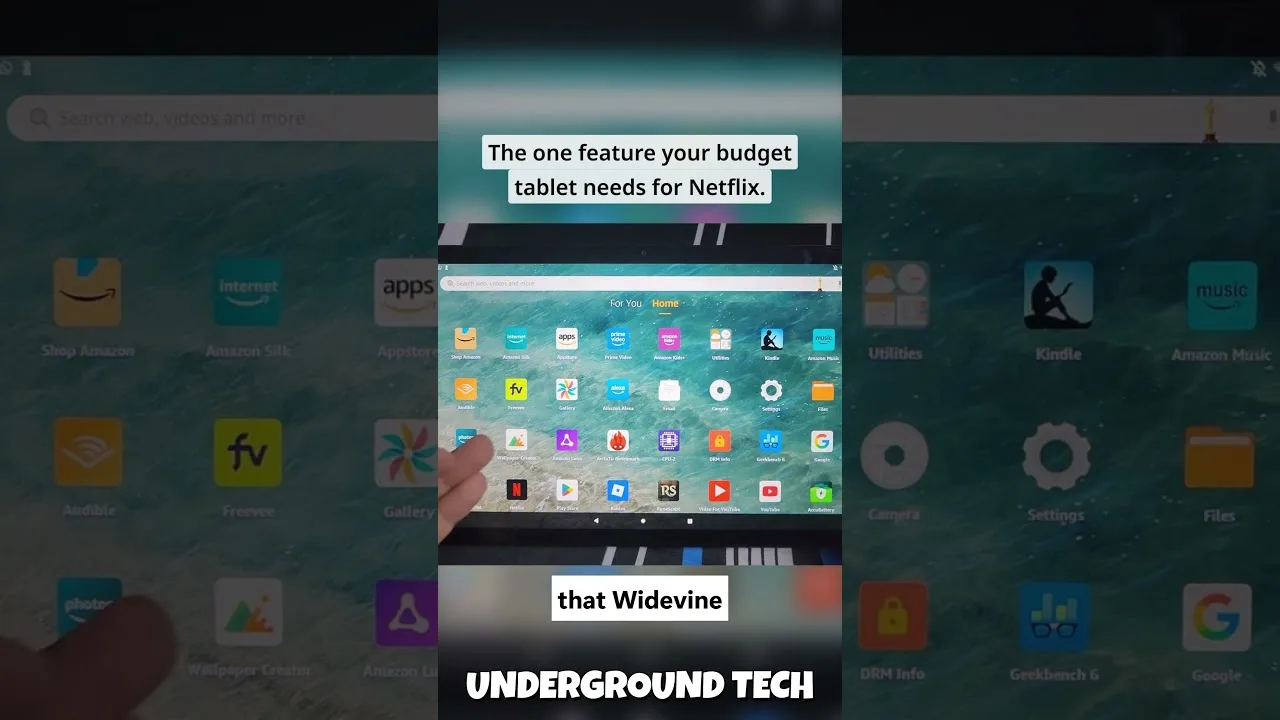
If the tablet mostly serves for streaming, organise it that way: place Aya TV and your other viewing apps on the home screen, enable Do Not Disturb for viewing hours, and keep a stand or folio case that props it at a comfortable angle on a table or bed.

Tablets also shine for travel. The larger screen beats a phone on trains and in hotel rooms, battery life stretches across long journeys, and the device doubles as reading and browsing hardware between viewing sessions. Load it before you leave and it becomes the trip's entertainment centre.

Final Thoughts

A tablet set up with the right quality, sound, and organisation is arguably the most pleasant way to watch Aya TV: personal like a phone, cinematic like a small TV. Ten minutes of setup turns a general tablet into the device everyone in the house reaches for first.

Selin Yilmaz

Lead APK Reviewer

Selin Yilmaz

Selin Yilmaz is the Lead APK Reviewer at Aya TV. She installs and tests every Aya TV build on real Android phones before any download button goes live on this site, checking the install flow, live channel loading, sports playback, and day-to-day stability.

About the reviewer How we review

Related Articles

How to Update Aya TV APK to the Latest Version

How to Update Aya TV APK to the Latest Version

Keep Aya TV current: check your version, update over the existing install, and verify live channels and categories after…

Read Now →
Aya TV Buffering Fixes: How to Stop Lag and Freezing

Aya TV Buffering Fixes: How to Stop Lag and Freezing

Stop Aya TV buffering with ordered fixes for Wi-Fi, stream quality, background apps, and busy live sources.…

Read Now →
Best Aya TV Settings for Smooth Playback

Best Aya TV Settings for Smooth Playback

Tune Aya TV settings for your phone and network: quality, decoding, data-saving, and big-screen adjustments explained pl…

Read Now →
How Much Data Does Aya TV Use? A Streaming Data Guide

How Much Data Does Aya TV Use? A Streaming Data Guide

Understand Aya TV data usage per hour at each quality level, why live sport costs more, and how to budget mobile viewing…

Read Now →
How to Watch Aya TV on TV and Bigger Screens

How to Watch Aya TV on TV and Bigger Screens

Watch Aya TV on your television: direct Android TV installation, casting from your phone, and connection tips for stable…

Read Now →
Aya TV on Low-End Phones: Performance Tips That Help

Aya TV on Low-End Phones: Performance Tips That Help

Make Aya TV run smoothly on a budget or older Android phone with storage, quality, and background-app tips that genuinel…

Read Now →
Aya TV Parental Controls and Family Viewing Guide

Aya TV Parental Controls and Family Viewing Guide

Set up Aya TV for family viewing with category choices, Android-level controls, and supervision habits for shared device…

Read Now →
Finding Content Faster on Aya TV: Search and Favourites Tips

Finding Content Faster on Aya TV: Search and Favourites Tips

Stop scrolling and start watching: use Aya TV search, categories, and favourites to find channels, films, and series in …

Read Now →
Aya TV Subtitle and Audio Settings Guide

Aya TV Subtitle and Audio Settings Guide

Get subtitles working, choose the right audio track, and fix common subtitle sync and language problems in Aya TV.…

Read Now →
Aya TV vs Subscription Streaming Apps: The Key Differences

Aya TV vs Subscription Streaming Apps: The Key Differences

How Aya TV compares with subscription streaming services: cost, live TV, library style, and device freedom compared hone…

Read Now →
Aya TV Installation Errors and How to Fix Them

Aya TV Installation Errors and How to Fix Them

Fix the most common Aya TV installation errors — app not installed, parse errors, blocked installs, and failed updates —…

Read Now →
How to Clear Aya TV Cache and Free Up Storage

How to Clear Aya TV Cache and Free Up Storage

Clear the Aya TV cache safely, understand the difference between cache and data, and free up storage on your Android pho…

Read Now →
Aya TV Common Questions Answered

Aya TV Common Questions Answered

Quick, clear answers to the questions Aya TV users ask most: installation, devices, data use, updates, subtitles, and tr…

Read Now →
Aya TV Installation Guide for Android, TV, and Fire TV

Aya TV Installation Guide for Android, TV, and Fire TV

Learn how to install Aya TV on Android phones, tablets, smart TVs, and Fire TV devices with simple setup steps and pract…

Read Now →
Aya TV Features Guide: Live TV, Sports, Playback, and More

Aya TV Features Guide: Live TV, Sports, Playback, and More

Explore the main Aya TV features, including live TV access, sports streaming, playback tools, navigation, and practical …

Read Now →
Aya TV Device Compatibility Guide for Phones, Tablets, TV, and Fire TV

Aya TV Device Compatibility Guide for Phones, Tablets, TV, and Fire TV

See where Aya TV works best across Android phones, tablets, Android TV, smart TV, TV boxes, and Fire TV style devices.…

Read Now →
Aya TV Content Categories Guide: Live TV, Sports, Movies, and More

Aya TV Content Categories Guide: Live TV, Sports, Movies, and More

Understand the main content categories associated with Aya TV, including live channels, sports, movies, talk shows, and …

Read Now →
Aya TV Not Working? Common Problems and Practical Fixes

Aya TV Not Working? Common Problems and Practical Fixes

Fix common Aya TV problems such as install errors, loading issues, playback interruptions, and device-related troublesho…

Read Now →
Best Ways to Use Aya TV for Live Channels, Sports, and Everyday Viewing

Best Ways to Use Aya TV for Live Channels, Sports, and Everyday Viewing

Find practical ways to use Aya TV for live channels, sports, casual streaming, larger screens, and smoother everyday vie…

Read Now →