Keeping a streaming app updated is the cheapest maintenance there is, and it quietly prevents a large share of problems before they start. New builds of Aya TV for Android repair broken streams, improve live playback, and keep pace with Android's own changes. This guide covers checking your version, updating in place, and verifying the new build afterwards.
An update is not a reinstall: installed over the existing app, it preserves your favourites and preferences. The routine takes minutes, most of them spent downloading.
Check Your Current Version First
Find the version number in the app's settings or about screen and note it down. Afterwards, the changed number is the only certain proof the update applied rather than failing silently in the background.
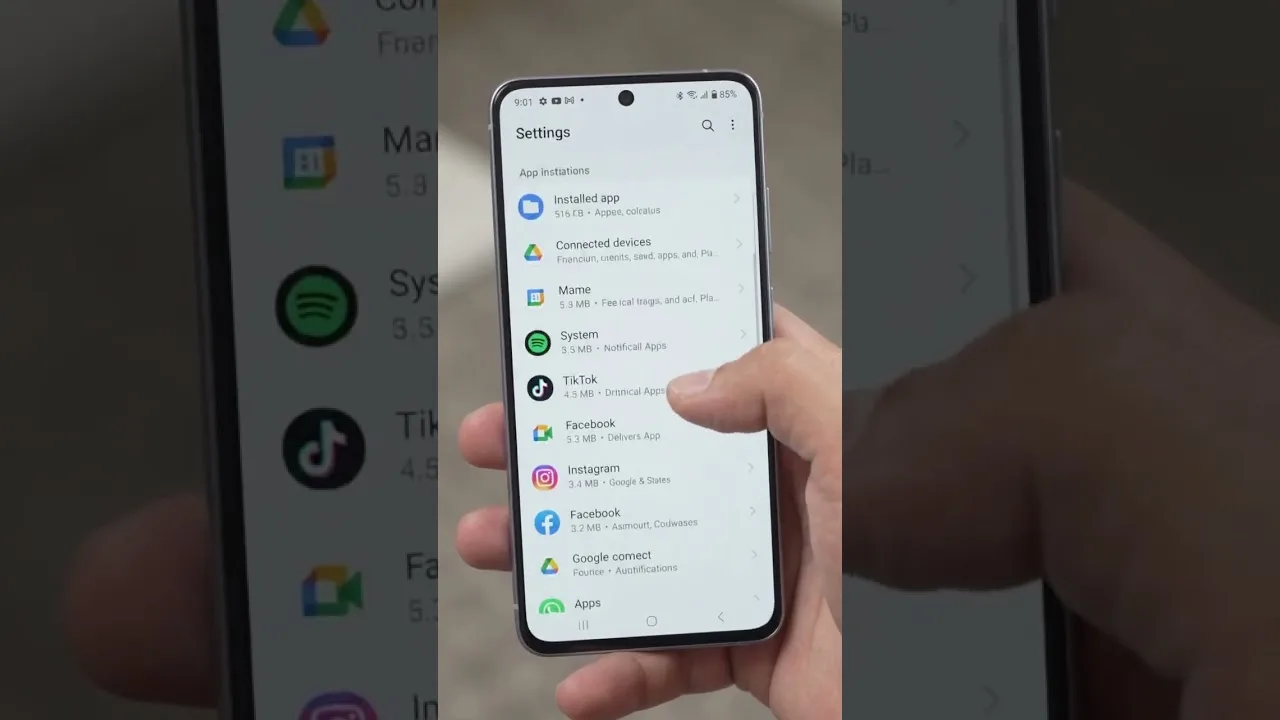
If months of use have left the app sluggish, clear its cache from Android's app settings before updating to give the new build a clean start — cache clearing never touches favourites or settings. Our cache and storage guide explains the safe routine.
Download and Install the Update
Fetch the new build from the download page and install it over the existing app, accepting Android's confirmation that the install replaces what is there. Let the process finish completely before opening the app; an interrupted update can leave it behaving unpredictably.
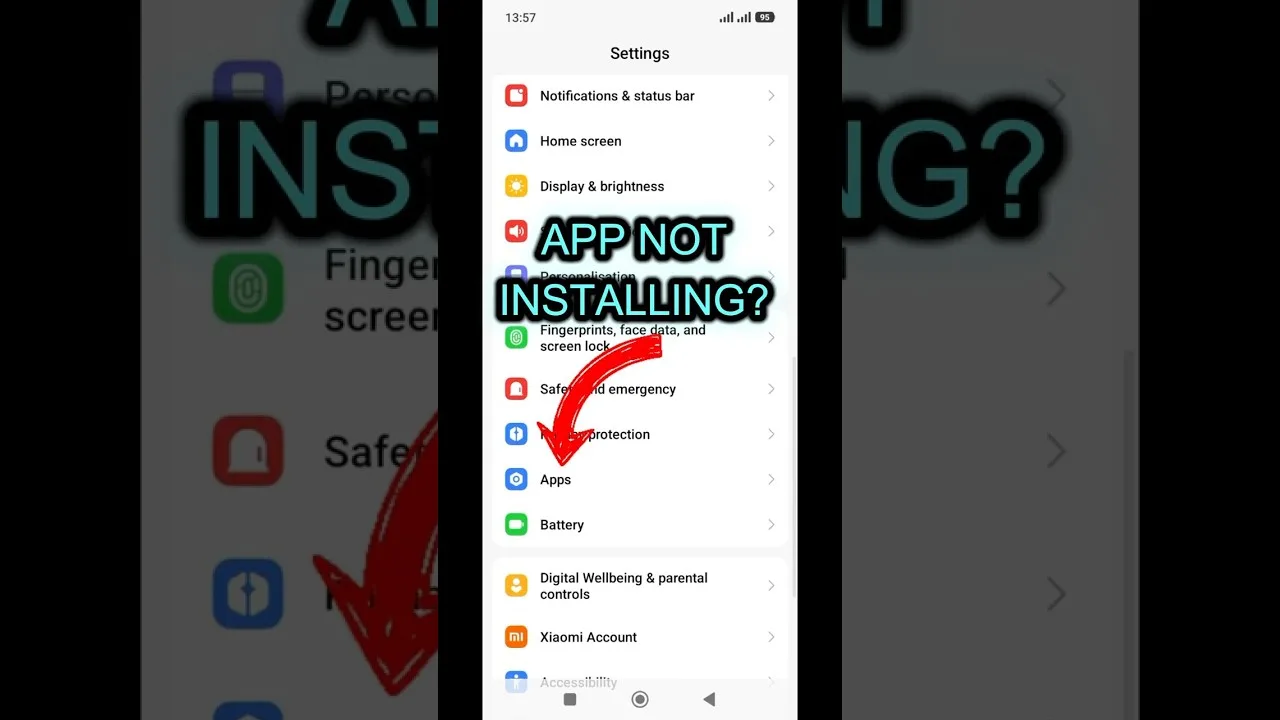
If the install is refused, the usual cause is the per-source install permission for your browser or file manager. The first-time steps in our installation guide show exactly where that permission lives.
What to Check After Updating
Confirm the version number changed, then run three quick tests: a live channel for a minute, an on-demand title, and one item from your favourites to prove your saved data survived. Live playback exercises the most parts of the app at once, so if live works, nearly everything else will too.
If a category looks empty in the first session, close and reopen the app once before troubleshooting — lists rebuild on a fresh launch, and most post-update oddities never happen twice.
How Often Should You Update?
Every few weeks, or immediately when something misbehaves: a channel that broke yesterday is often repaired by a build released today. Months of neglect are how small fixable issues harden into the belief that the app has stopped working.
The balanced rhythm is updating within a week or so of noticing a new version — late enough to skip day-one bugs, early enough to stay compatible with everything around the app.