Aya TV Buffering Fixes: How to Stop Lag and Freezing

Aya TV Buffering Fixes: How to Stop Lag and Freezing

A live stream that freezes at the decisive moment is worse than one that never starts. Buffering in the Aya TV app almost always has an ordinary cause — a connection that cannot sustain the chosen quality, a phone doing too much at once, or a live source under load — and ordinary causes have ordinary fixes.

Separate normal from abnormal first: a few seconds of loading when a channel starts is healthy, while freezing that returns mid-stream is the real fault. This guide works through it in order.

Start With Your Connection

Run one experiment before touching settings: stream the same channel on another device sharing your Wi-Fi. If it stutters there too, the network is at fault and no app option will rescue it. If the other device plays cleanly, the problem lives in your phone, and the later sections apply.

Router distance outweighs the speed printed on your bill. A fast plan arriving through two walls and a floor arrives weakly; moving closer for a test, or raising the router somewhere central, fixes more buffering cases than any setting in any app.

Lower the Stream Quality

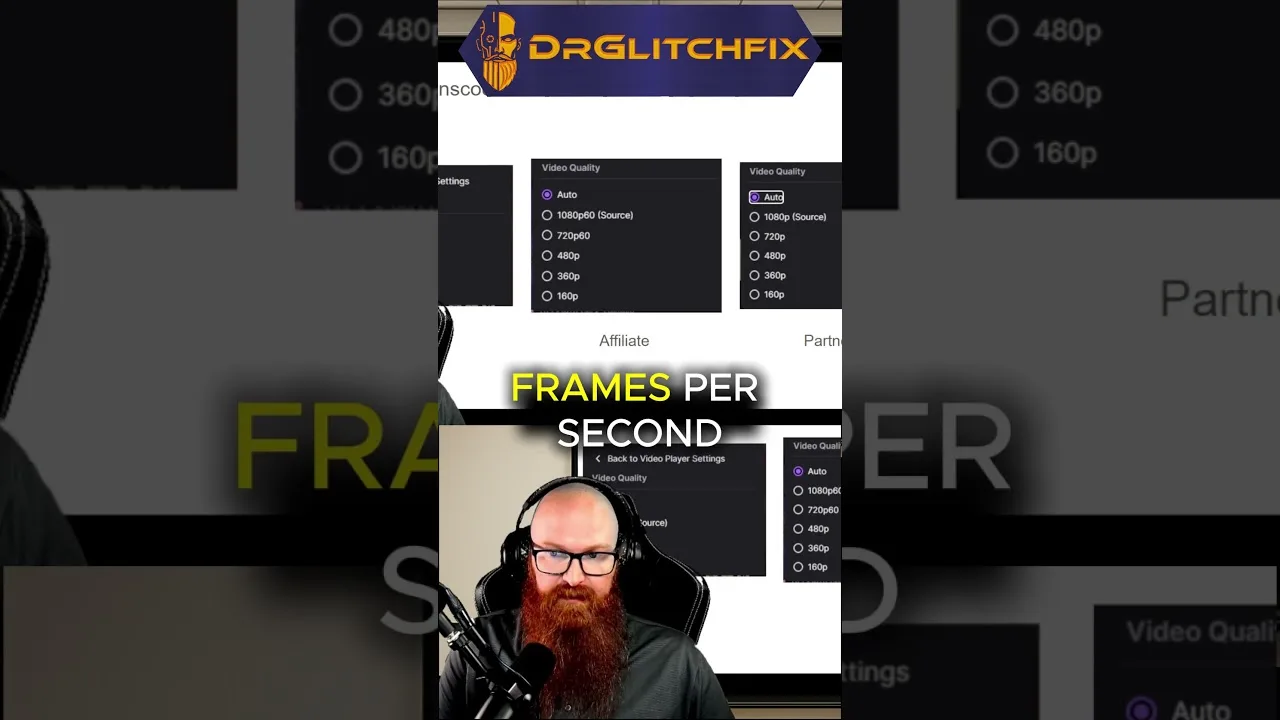
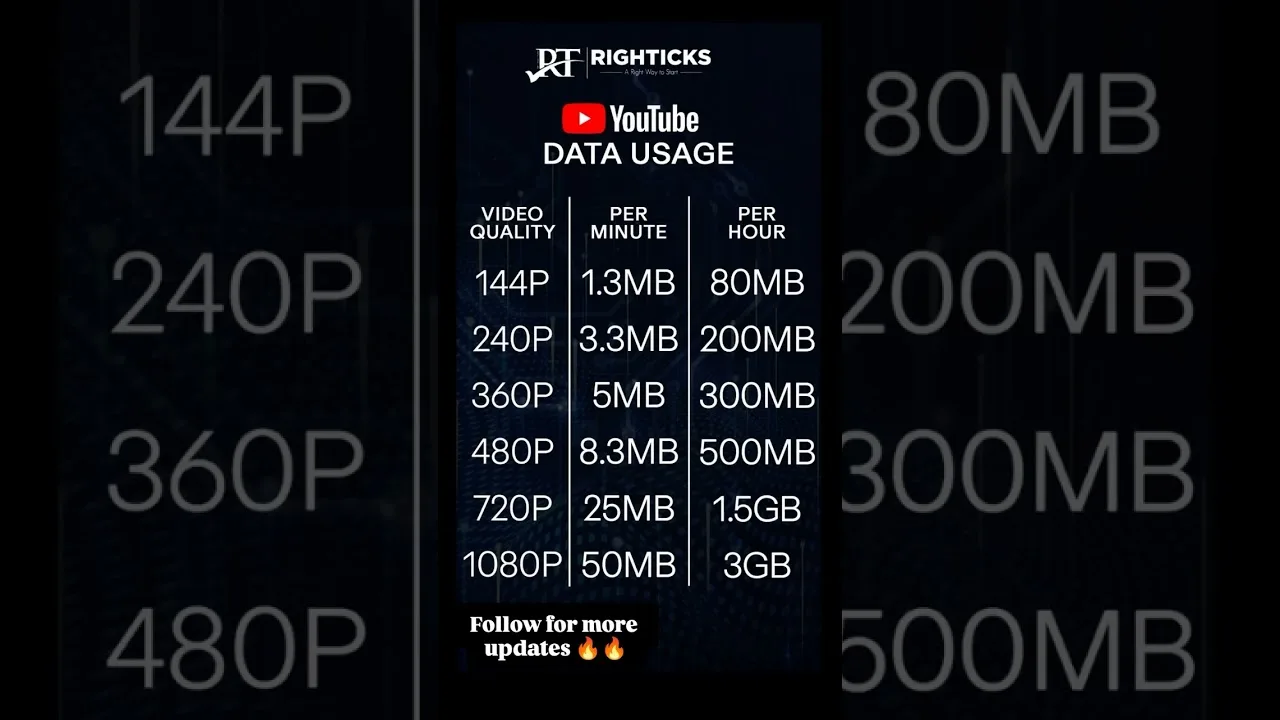
Quality is the biggest lever under your control. Each step up multiplies what the connection must deliver every second, and a network content at standard quality may fail at the top setting when anything else competes for bandwidth. Drop one level, watch ten minutes, and judge stability over specifications.

On a phone screen, mid-level quality looks far better than people expect. Save the highest settings for the television, where the larger picture actually reveals the detail you are spending bandwidth on.

Restart, Close, and Clear

Restart the phone itself when buffering appears suddenly — a restart clears stalled processes and renegotiates the Wi-Fi connection, resolving a surprising share of abrupt streaming problems everywhere. Close heavy background apps and pause uploads and large downloads during viewing.

If trouble accumulated gradually, clear the app cache as well. When the basics fall short, our not working fixes work through the deeper causes in order.

When the Source Is the Problem

Sometimes nothing at home is wrong: the channel's source is saturated, classically in the opening minutes of a major match when thousands of viewers arrive together. The signs are one channel struggling while others play perfectly, or the same channel failing in a friend's house too.

Then patience is the honest fix. Try again shortly, or switch category for a while — knowing it is the source's problem stops you dismantling a setup that was never broken. Live viewing generally is covered in our best ways to use Aya TV guide.

Selin Yilmaz

Lead APK Reviewer

Selin Yilmaz

Selin Yilmaz is the Lead APK Reviewer at Aya TV. She installs and tests every Aya TV build on real Android phones before any download button goes live on this site, checking the install flow, live channel loading, sports playback, and day-to-day stability.

About the reviewer How we review

Related Articles

How to Update Aya TV APK to the Latest Version

How to Update Aya TV APK to the Latest Version

Keep Aya TV current: check your version, update over the existing install, and verify live channels and categories after…

Read Now →
Best Aya TV Settings for Smooth Playback

Best Aya TV Settings for Smooth Playback

Tune Aya TV settings for your phone and network: quality, decoding, data-saving, and big-screen adjustments explained pl…

Read Now →
How Much Data Does Aya TV Use? A Streaming Data Guide

How Much Data Does Aya TV Use? A Streaming Data Guide

Understand Aya TV data usage per hour at each quality level, why live sport costs more, and how to budget mobile viewing…

Read Now →
How to Watch Aya TV on TV and Bigger Screens

How to Watch Aya TV on TV and Bigger Screens

Watch Aya TV on your television: direct Android TV installation, casting from your phone, and connection tips for stable…

Read Now →
Aya TV on Low-End Phones: Performance Tips That Help

Aya TV on Low-End Phones: Performance Tips That Help

Make Aya TV run smoothly on a budget or older Android phone with storage, quality, and background-app tips that genuinel…

Read Now →
Aya TV Parental Controls and Family Viewing Guide

Aya TV Parental Controls and Family Viewing Guide

Set up Aya TV for family viewing with category choices, Android-level controls, and supervision habits for shared device…

Read Now →
Finding Content Faster on Aya TV: Search and Favourites Tips

Finding Content Faster on Aya TV: Search and Favourites Tips

Stop scrolling and start watching: use Aya TV search, categories, and favourites to find channels, films, and series in …

Read Now →
Aya TV Subtitle and Audio Settings Guide

Aya TV Subtitle and Audio Settings Guide

Get subtitles working, choose the right audio track, and fix common subtitle sync and language problems in Aya TV.…

Read Now →
Aya TV vs Subscription Streaming Apps: The Key Differences

Aya TV vs Subscription Streaming Apps: The Key Differences

How Aya TV compares with subscription streaming services: cost, live TV, library style, and device freedom compared hone…

Read Now →
Aya TV Installation Errors and How to Fix Them

Aya TV Installation Errors and How to Fix Them

Fix the most common Aya TV installation errors — app not installed, parse errors, blocked installs, and failed updates —…

Read Now →
How to Clear Aya TV Cache and Free Up Storage

How to Clear Aya TV Cache and Free Up Storage

Clear the Aya TV cache safely, understand the difference between cache and data, and free up storage on your Android pho…

Read Now →
Aya TV on Tablets: Setup and Viewing Tips

Aya TV on Tablets: Setup and Viewing Tips

Set up Aya TV on an Android tablet for the best experience: installation notes, display and sound tips, and why tablets …

Read Now →
Aya TV Common Questions Answered

Aya TV Common Questions Answered

Quick, clear answers to the questions Aya TV users ask most: installation, devices, data use, updates, subtitles, and tr…

Read Now →
Aya TV Installation Guide for Android, TV, and Fire TV

Aya TV Installation Guide for Android, TV, and Fire TV

Learn how to install Aya TV on Android phones, tablets, smart TVs, and Fire TV devices with simple setup steps and pract…

Read Now →
Aya TV Features Guide: Live TV, Sports, Playback, and More

Aya TV Features Guide: Live TV, Sports, Playback, and More

Explore the main Aya TV features, including live TV access, sports streaming, playback tools, navigation, and practical …

Read Now →
Aya TV Device Compatibility Guide for Phones, Tablets, TV, and Fire TV

Aya TV Device Compatibility Guide for Phones, Tablets, TV, and Fire TV

See where Aya TV works best across Android phones, tablets, Android TV, smart TV, TV boxes, and Fire TV style devices.…

Read Now →
Aya TV Content Categories Guide: Live TV, Sports, Movies, and More

Aya TV Content Categories Guide: Live TV, Sports, Movies, and More

Understand the main content categories associated with Aya TV, including live channels, sports, movies, talk shows, and …

Read Now →
Aya TV Not Working? Common Problems and Practical Fixes

Aya TV Not Working? Common Problems and Practical Fixes

Fix common Aya TV problems such as install errors, loading issues, playback interruptions, and device-related troublesho…

Read Now →
Best Ways to Use Aya TV for Live Channels, Sports, and Everyday Viewing

Best Ways to Use Aya TV for Live Channels, Sports, and Everyday Viewing

Find practical ways to use Aya TV for live channels, sports, casual streaming, larger screens, and smoother everyday vie…

Read Now →