How to Clear Aya TV Cache and Free Up Storage

How to Clear Aya TV Cache and Free Up Storage

Over months of viewing, streaming apps quietly accumulate temporary files: thumbnails, partial downloads, and playback buffers. In this Aya TV app, that cache is normally helpful — it makes categories load faster — but when it grows stale or bloated it can cause the opposite: slow menus, broken images, and a phone that complains about storage. Clearing the cache is the standard reset, and done correctly it costs you nothing but a few seconds of reloading.

The key is knowing what to clear. Android offers two very different buttons — Clear Cache and Clear Data — and choosing the wrong one wipes your settings. This guide explains both, when to use each, and how to keep storage healthy afterwards.

Cache vs Data: Know the Difference

The cache holds disposable files the app can rebuild: image thumbnails, temporary stream data, and similar working files. Clearing it is safe and reversible. The app simply downloads fresh copies as you browse, so the only cost is slightly slower loading the first time you open each section afterwards.

App data is everything else: your settings, favourites, sign-in state, and preferences. Clearing data resets the app to a freshly installed state. That is a legitimate last-resort fix for stubborn problems, but it should never be the first step, and it is not what this routine maintenance guide recommends.

How to Clear the Cache

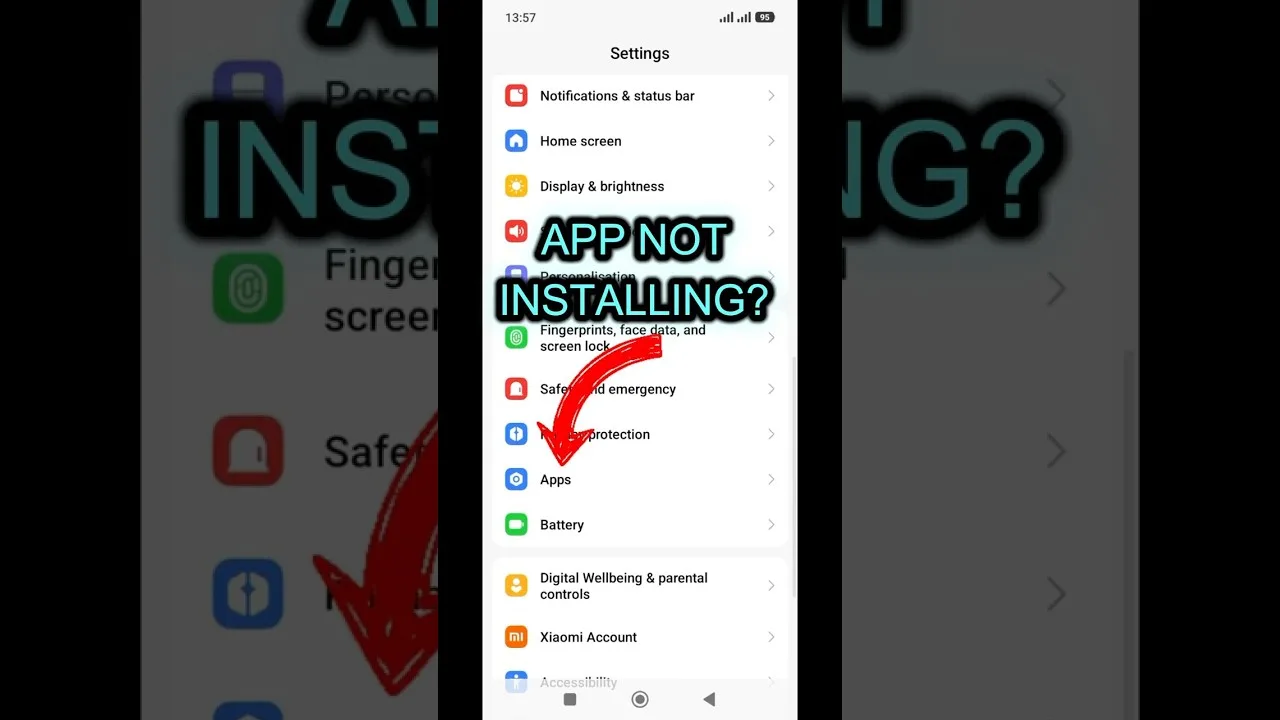
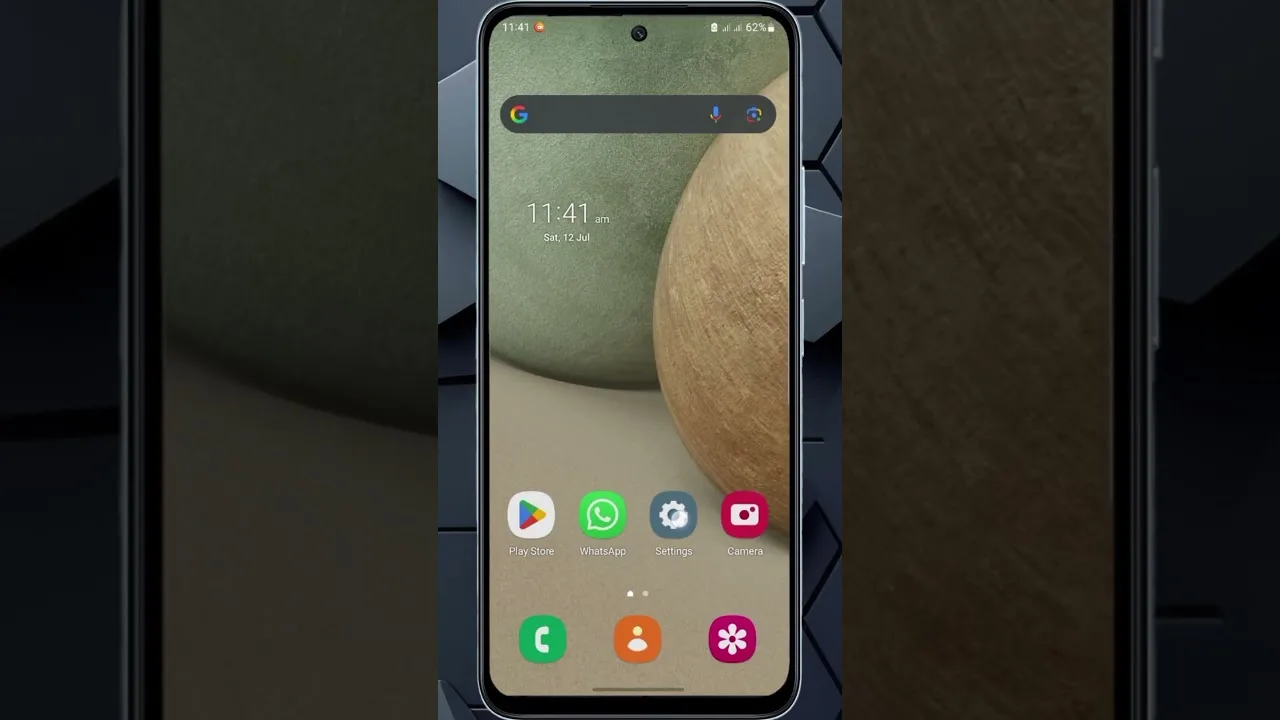
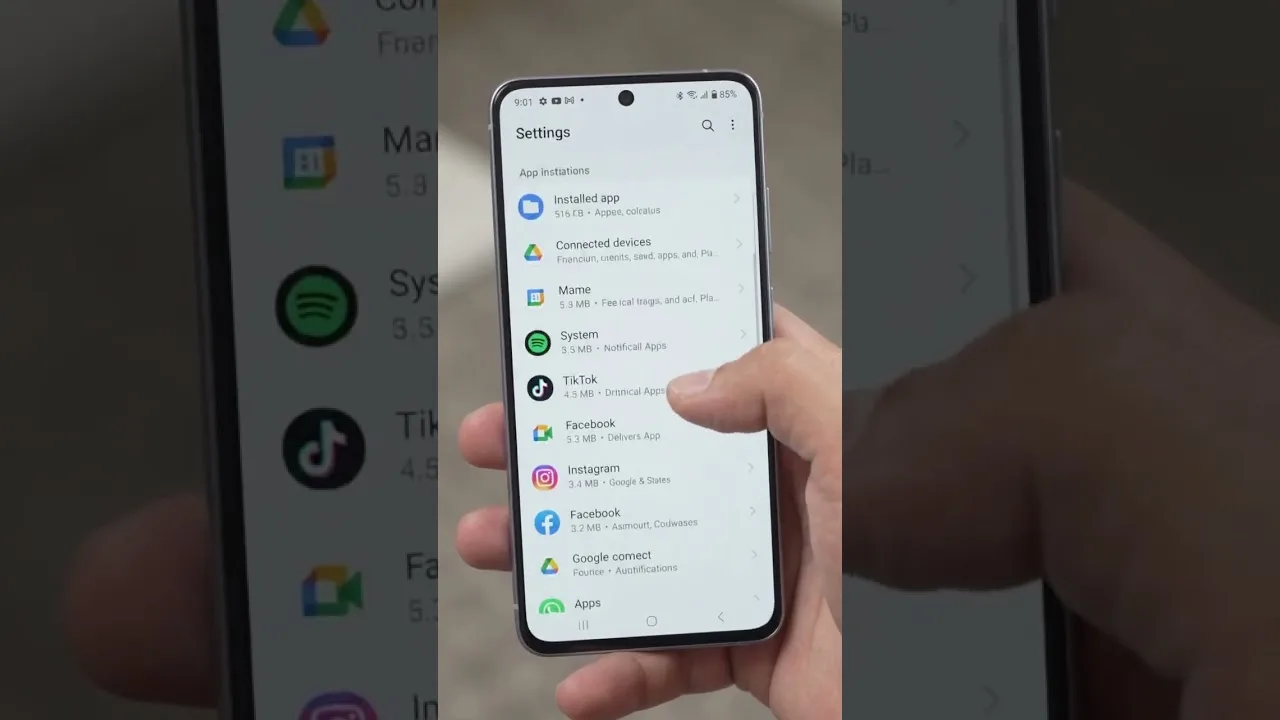
Open Android Settings, go to Apps, find Aya TV, and open Storage. Tap Clear Cache — not Clear Data — and confirm. The whole process takes seconds and does not require reopening or reconfiguring anything. Return to the app and use it normally; sections will repopulate their thumbnails as you browse.

If the app was misbehaving — images not loading, categories showing outdated content — test it now before doing anything else. Cache clearing resolves a large share of these odd, hard-to-describe glitches, which is why it appears in almost every troubleshooting routine, including our not working fixes.

Freeing Storage Beyond the Cache

If storage pressure is your real problem, the cache is only one contributor. Downloaded files in your browser's folder, old APK files from previous installs, and other apps' caches usually outweigh it. Android's storage screen ranks apps by size, making the biggest offenders easy to find.

On genuinely tight devices, pair this tidy-up with the broader habits in our low-end phone performance guide: keeping a gigabyte or two free improves everything the phone does, not just streaming. Delete watched downloads promptly and let cloud backup carry your photos.

How Often Should You Do This?

For most users, clearing the cache every month or two — or whenever the app starts feeling sluggish — is plenty. There is no benefit to daily clearing; the cache exists to speed things up, and constantly emptying it forces the app to re-download thumbnails and data it would otherwise reuse, which wastes bandwidth.

Treat it as part of a small maintenance rhythm alongside updating the app and restarting the phone occasionally. Together, those three habits keep Aya TV feeling as fast in month six as it did on day one.

Final Thoughts

Clear Cache is your friend; Clear Data is the emergency option. Learn the difference, clear the cache when the app feels stale or storage runs low, and keep a little free space on the device at all times. That is all the storage management Aya TV really needs.

Selin Yilmaz

Lead APK Reviewer

Selin Yilmaz

Selin Yilmaz is the Lead APK Reviewer at Aya TV. She installs and tests every Aya TV build on real Android phones before any download button goes live on this site, checking the install flow, live channel loading, sports playback, and day-to-day stability.

About the reviewer How we review

Related Articles

How to Update Aya TV APK to the Latest Version

How to Update Aya TV APK to the Latest Version

Keep Aya TV current: check your version, update over the existing install, and verify live channels and categories after…

Read Now →
Aya TV Buffering Fixes: How to Stop Lag and Freezing

Aya TV Buffering Fixes: How to Stop Lag and Freezing

Stop Aya TV buffering with ordered fixes for Wi-Fi, stream quality, background apps, and busy live sources.…

Read Now →
Best Aya TV Settings for Smooth Playback

Best Aya TV Settings for Smooth Playback

Tune Aya TV settings for your phone and network: quality, decoding, data-saving, and big-screen adjustments explained pl…

Read Now →
How Much Data Does Aya TV Use? A Streaming Data Guide

How Much Data Does Aya TV Use? A Streaming Data Guide

Understand Aya TV data usage per hour at each quality level, why live sport costs more, and how to budget mobile viewing…

Read Now →
How to Watch Aya TV on TV and Bigger Screens

How to Watch Aya TV on TV and Bigger Screens

Watch Aya TV on your television: direct Android TV installation, casting from your phone, and connection tips for stable…

Read Now →
Aya TV on Low-End Phones: Performance Tips That Help

Aya TV on Low-End Phones: Performance Tips That Help

Make Aya TV run smoothly on a budget or older Android phone with storage, quality, and background-app tips that genuinel…

Read Now →
Aya TV Parental Controls and Family Viewing Guide

Aya TV Parental Controls and Family Viewing Guide

Set up Aya TV for family viewing with category choices, Android-level controls, and supervision habits for shared device…

Read Now →
Finding Content Faster on Aya TV: Search and Favourites Tips

Finding Content Faster on Aya TV: Search and Favourites Tips

Stop scrolling and start watching: use Aya TV search, categories, and favourites to find channels, films, and series in …

Read Now →
Aya TV Subtitle and Audio Settings Guide

Aya TV Subtitle and Audio Settings Guide

Get subtitles working, choose the right audio track, and fix common subtitle sync and language problems in Aya TV.…

Read Now →
Aya TV vs Subscription Streaming Apps: The Key Differences

Aya TV vs Subscription Streaming Apps: The Key Differences

How Aya TV compares with subscription streaming services: cost, live TV, library style, and device freedom compared hone…

Read Now →
Aya TV Installation Errors and How to Fix Them

Aya TV Installation Errors and How to Fix Them

Fix the most common Aya TV installation errors — app not installed, parse errors, blocked installs, and failed updates —…

Read Now →
Aya TV on Tablets: Setup and Viewing Tips

Aya TV on Tablets: Setup and Viewing Tips

Set up Aya TV on an Android tablet for the best experience: installation notes, display and sound tips, and why tablets …

Read Now →
Aya TV Common Questions Answered

Aya TV Common Questions Answered

Quick, clear answers to the questions Aya TV users ask most: installation, devices, data use, updates, subtitles, and tr…

Read Now →
Aya TV Installation Guide for Android, TV, and Fire TV

Aya TV Installation Guide for Android, TV, and Fire TV

Learn how to install Aya TV on Android phones, tablets, smart TVs, and Fire TV devices with simple setup steps and pract…

Read Now →
Aya TV Features Guide: Live TV, Sports, Playback, and More

Aya TV Features Guide: Live TV, Sports, Playback, and More

Explore the main Aya TV features, including live TV access, sports streaming, playback tools, navigation, and practical …

Read Now →
Aya TV Device Compatibility Guide for Phones, Tablets, TV, and Fire TV

Aya TV Device Compatibility Guide for Phones, Tablets, TV, and Fire TV

See where Aya TV works best across Android phones, tablets, Android TV, smart TV, TV boxes, and Fire TV style devices.…

Read Now →
Aya TV Content Categories Guide: Live TV, Sports, Movies, and More

Aya TV Content Categories Guide: Live TV, Sports, Movies, and More

Understand the main content categories associated with Aya TV, including live channels, sports, movies, talk shows, and …

Read Now →
Aya TV Not Working? Common Problems and Practical Fixes

Aya TV Not Working? Common Problems and Practical Fixes

Fix common Aya TV problems such as install errors, loading issues, playback interruptions, and device-related troublesho…

Read Now →
Best Ways to Use Aya TV for Live Channels, Sports, and Everyday Viewing

Best Ways to Use Aya TV for Live Channels, Sports, and Everyday Viewing

Find practical ways to use Aya TV for live channels, sports, casual streaming, larger screens, and smoother everyday vie…

Read Now →