How Much Data Does Aya TV Use? A Streaming Data Guide

How Much Data Does Aya TV Use? A Streaming Data Guide

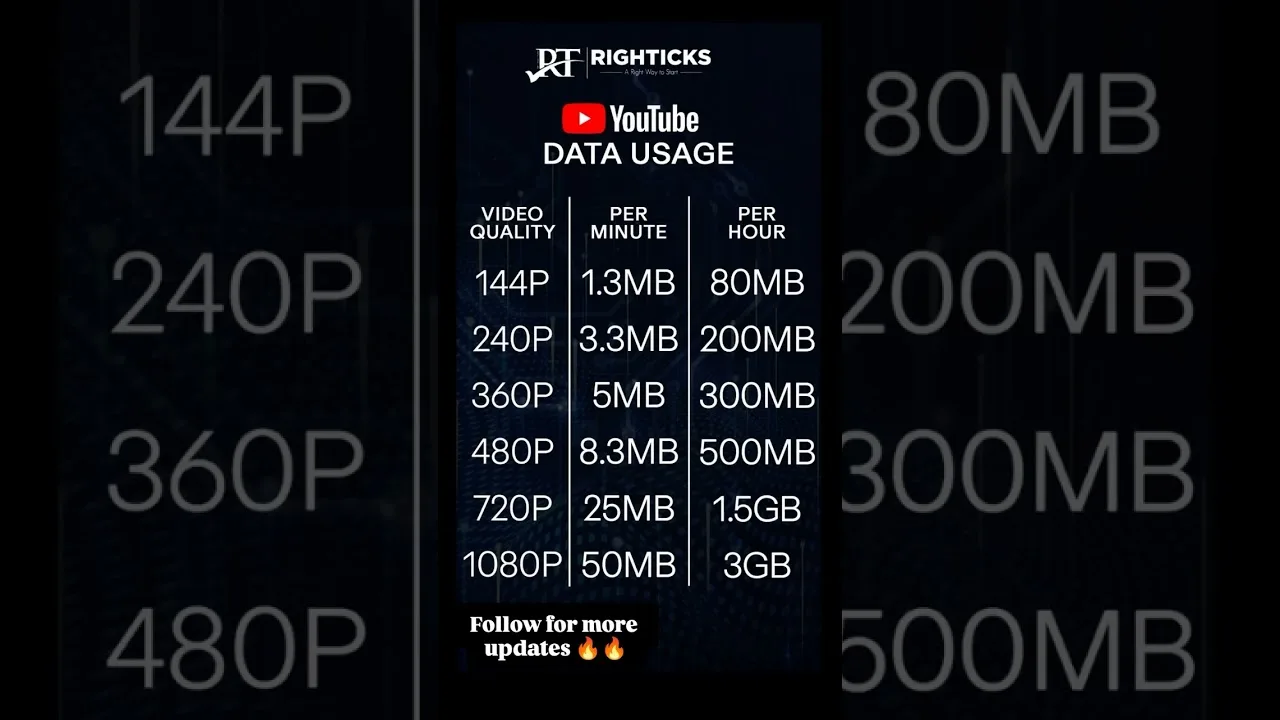
Streaming feels weightless until the throttling notice arrives. How much data Aya TV streaming app uses is decided almost entirely by one choice — stream quality — multiplied by the hours you watch. This guide gives realistic per-hour figures, explains why live content costs more than films at the same setting, and shows how to keep mobile viewing inside a limited plan.

The rule of thumb: standard definition around 0.5 to 0.7 GB per hour, high definition near 1.5 GB, and the highest settings past 3 GB per hour.

Why Live Streams Use More

Live content is encoded in real time, and fast movement — football above all — needs higher bitrates to stay clear. A calm film at a given quality is comparatively cheap; a live match at the same nominal setting is not, which surprises users the first time they compare the two in their usage statistics.

Audio-led content sits at the opposite extreme: news and talk at low quality can use as little as 0.1 GB per hour, a sensible fallback when the picture barely matters and the data budget does.

Watch on Wi-Fi Whenever Possible

Home Wi-Fi is effectively unlimited for streaming purposes, so make it the default for anything long: matches, films, series sessions. Reserve mobile data for short viewing where totals stay in hundreds of megabytes.

If you send content to a television, confirm the phone is on home Wi-Fi first — some setups route the data through the phone, and a two-hour match cast over mobile data is a classic silent plan-killer. Big-screen habits are covered in our TV viewing guide.

Track Usage in Android Settings

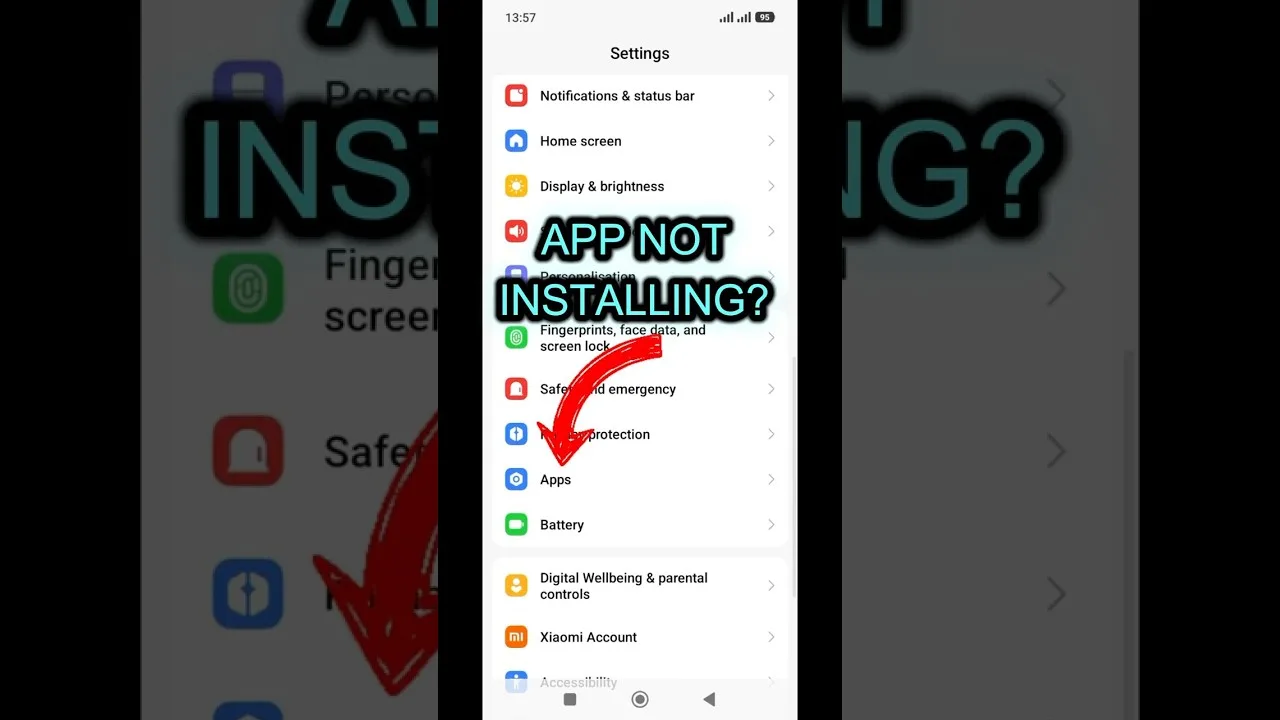
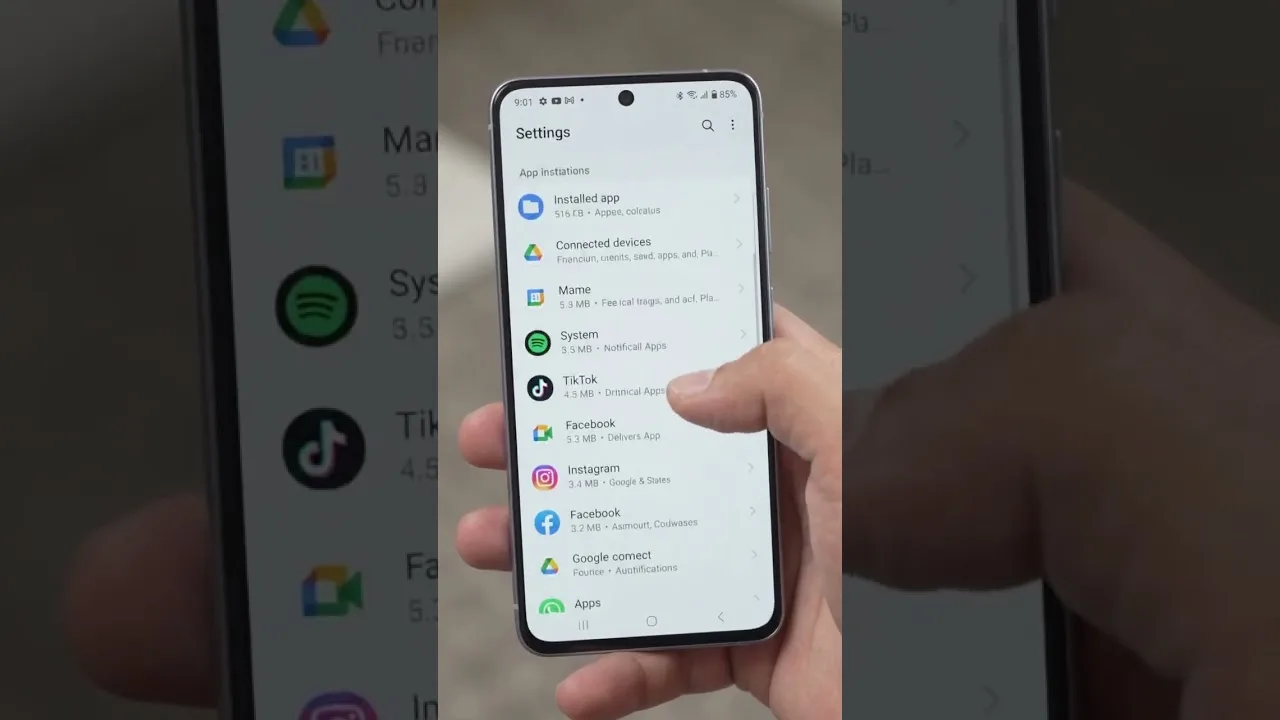
Android records per-app data use under Settings, in the network or apps section depending on the phone. Check Aya TV's figure monthly and you will learn your personal hourly rate — more useful than any generic chart, because it reflects your quality settings and habits.

In a tight month, the per-app mobile data toggle is the reliable hard limit: block the app's mobile data entirely and let it run on Wi-Fi only, rather than relying on willpower when a big match beckons.

Practical Budgets for Common Plans

On a 10 GB plan, mobile streaming stays occasional — a few standard-definition hours a month. On 50 GB, several live events at sensible quality fit alongside normal phone use. Unlimited plans remove the arithmetic, though some soften video after a threshold, appearing as unexplained quality drops.

Whichever plan you hold, quality discipline is the whole skill, and the settings enforcing it are walked through in our best settings guide.

Final Thoughts

Data use is quality multiplied by hours — no mystery once seen that way. Know your rate, keep long sessions on Wi-Fi, stay alert when a television is involved, and check usage monthly. Streaming will never be the reason your plan runs dry.

Selin Yilmaz

Lead APK Reviewer

Selin Yilmaz

Selin Yilmaz is the Lead APK Reviewer at Aya TV. She installs and tests every Aya TV build on real Android phones before any download button goes live on this site, checking the install flow, live channel loading, sports playback, and day-to-day stability.

About the reviewer How we review

Related Articles

How to Update Aya TV APK to the Latest Version

How to Update Aya TV APK to the Latest Version

Keep Aya TV current: check your version, update over the existing install, and verify live channels and categories after…

Read Now →
Aya TV Buffering Fixes: How to Stop Lag and Freezing

Aya TV Buffering Fixes: How to Stop Lag and Freezing

Stop Aya TV buffering with ordered fixes for Wi-Fi, stream quality, background apps, and busy live sources.…

Read Now →
Best Aya TV Settings for Smooth Playback

Best Aya TV Settings for Smooth Playback

Tune Aya TV settings for your phone and network: quality, decoding, data-saving, and big-screen adjustments explained pl…

Read Now →
How to Watch Aya TV on TV and Bigger Screens

How to Watch Aya TV on TV and Bigger Screens

Watch Aya TV on your television: direct Android TV installation, casting from your phone, and connection tips for stable…

Read Now →
Aya TV on Low-End Phones: Performance Tips That Help

Aya TV on Low-End Phones: Performance Tips That Help

Make Aya TV run smoothly on a budget or older Android phone with storage, quality, and background-app tips that genuinel…

Read Now →
Aya TV Parental Controls and Family Viewing Guide

Aya TV Parental Controls and Family Viewing Guide

Set up Aya TV for family viewing with category choices, Android-level controls, and supervision habits for shared device…

Read Now →
Finding Content Faster on Aya TV: Search and Favourites Tips

Finding Content Faster on Aya TV: Search and Favourites Tips

Stop scrolling and start watching: use Aya TV search, categories, and favourites to find channels, films, and series in …

Read Now →
Aya TV Subtitle and Audio Settings Guide

Aya TV Subtitle and Audio Settings Guide

Get subtitles working, choose the right audio track, and fix common subtitle sync and language problems in Aya TV.…

Read Now →
Aya TV vs Subscription Streaming Apps: The Key Differences

Aya TV vs Subscription Streaming Apps: The Key Differences

How Aya TV compares with subscription streaming services: cost, live TV, library style, and device freedom compared hone…

Read Now →
Aya TV Installation Errors and How to Fix Them

Aya TV Installation Errors and How to Fix Them

Fix the most common Aya TV installation errors — app not installed, parse errors, blocked installs, and failed updates —…

Read Now →
How to Clear Aya TV Cache and Free Up Storage

How to Clear Aya TV Cache and Free Up Storage

Clear the Aya TV cache safely, understand the difference between cache and data, and free up storage on your Android pho…

Read Now →
Aya TV on Tablets: Setup and Viewing Tips

Aya TV on Tablets: Setup and Viewing Tips

Set up Aya TV on an Android tablet for the best experience: installation notes, display and sound tips, and why tablets …

Read Now →
Aya TV Common Questions Answered

Aya TV Common Questions Answered

Quick, clear answers to the questions Aya TV users ask most: installation, devices, data use, updates, subtitles, and tr…

Read Now →
Aya TV Installation Guide for Android, TV, and Fire TV

Aya TV Installation Guide for Android, TV, and Fire TV

Learn how to install Aya TV on Android phones, tablets, smart TVs, and Fire TV devices with simple setup steps and pract…

Read Now →
Aya TV Features Guide: Live TV, Sports, Playback, and More

Aya TV Features Guide: Live TV, Sports, Playback, and More

Explore the main Aya TV features, including live TV access, sports streaming, playback tools, navigation, and practical …

Read Now →
Aya TV Device Compatibility Guide for Phones, Tablets, TV, and Fire TV

Aya TV Device Compatibility Guide for Phones, Tablets, TV, and Fire TV

See where Aya TV works best across Android phones, tablets, Android TV, smart TV, TV boxes, and Fire TV style devices.…

Read Now →
Aya TV Content Categories Guide: Live TV, Sports, Movies, and More

Aya TV Content Categories Guide: Live TV, Sports, Movies, and More

Understand the main content categories associated with Aya TV, including live channels, sports, movies, talk shows, and …

Read Now →
Aya TV Not Working? Common Problems and Practical Fixes

Aya TV Not Working? Common Problems and Practical Fixes

Fix common Aya TV problems such as install errors, loading issues, playback interruptions, and device-related troublesho…

Read Now →
Best Ways to Use Aya TV for Live Channels, Sports, and Everyday Viewing

Best Ways to Use Aya TV for Live Channels, Sports, and Everyday Viewing

Find practical ways to use Aya TV for live channels, sports, casual streaming, larger screens, and smoother everyday vie…

Read Now →