A streaming app on a shared phone or the family television serves everyone in the house, including its youngest viewers. Aya TV player app opens a large library, and the parent's task is shaping which parts of it children can reach. This guide covers the practical layers — category choices inside the app, Android's own controls, and the supervision habits that matter more than any setting.
One principle guides everything: controls work best when children understand them. Explaining that the family tablet is arranged with certain areas for certain ages earns far more cooperation than silent restrictions that feel like surveillance.
Start With Categories and Favourites
Learn the category layout yourself first, so you know which sections are family-safe and which are adult terrain. Then build the children's path of least resistance: fill the favourites row with approved channels and series, so your chosen content is also the easiest content to reach.
Most children happily watch what is placed in front of them, so convenient approved content quietly steers everyday viewing without a single argument. Our overview of Aya TV content categories helps you map the library before building that row.
Use Android's Built-In Controls
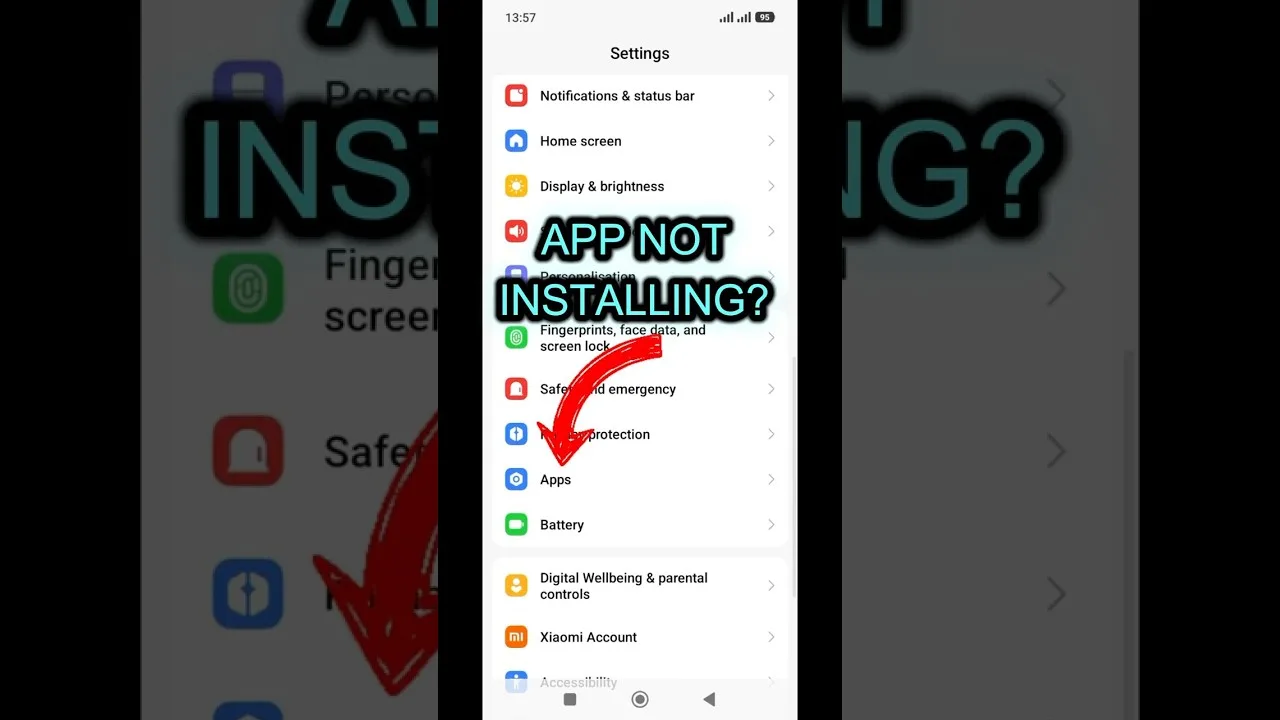
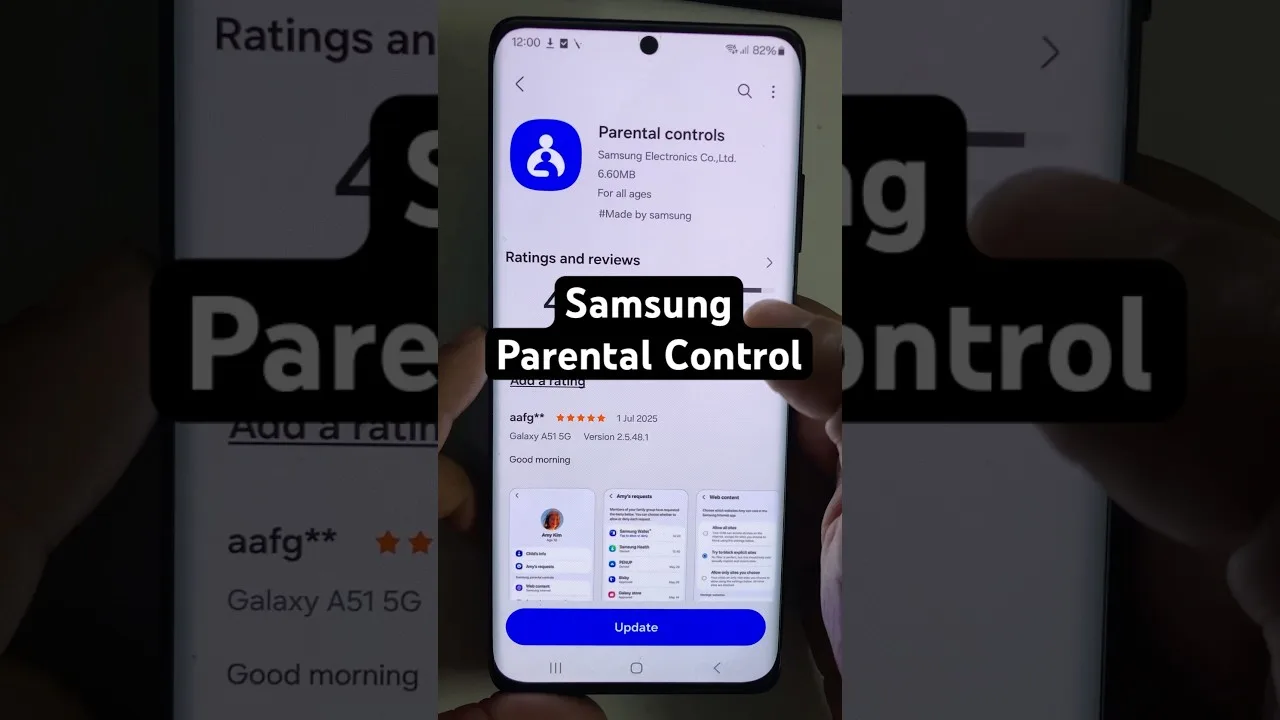
On shared tablets and phones, Android's user profiles — or a restricted profile where the manufacturer offers one — give children their own space containing only approved apps. App pinning serves younger children well: it locks the device into a single app until an adult unpins it.
Digital Wellbeing adds the time dimension: daily limits and bedtime modes cannot judge content, but they end the endless session, which for many families is the larger battle. A shared television deserves the same thought — a PIN on the TV box's settings stops small hands undoing your arrangement.
Supervise Accounts and Habits
Treat age guidance as guidance, not a guarantee. Live channels can surprise — a news broadcast may carry footage unsuitable for young children inside an otherwise safe schedule — so scan any new regular channel yourself before it joins the family row.
Talk about trending rows and recommendations as part of supervision. Older children especially benefit from understanding that popular does not mean appropriate — media literacy that outlasts every filter you can install.
A Sensible Family Checklist
Assembled, a calm family setup looks like this: approved categories favourited and easy to reach, a restricted profile or app pinning for the young, screen-time limits through Digital Wellbeing, and a short review each season as children grow. New devices and new schools both justify a fresh look, because family arrangements drift.
Households that build controls into the setup, rather than bolting them on after a problem, rarely meet the problem. Ten minutes of thought now shapes hundreds of hours of viewing later.
Final Thoughts
No single setting makes a streaming app family-safe; the combination of category choices, device controls, and honest conversation does. Set the layers up once, revisit them as children grow, and Aya TV becomes a service the whole household enjoys with confidence.